

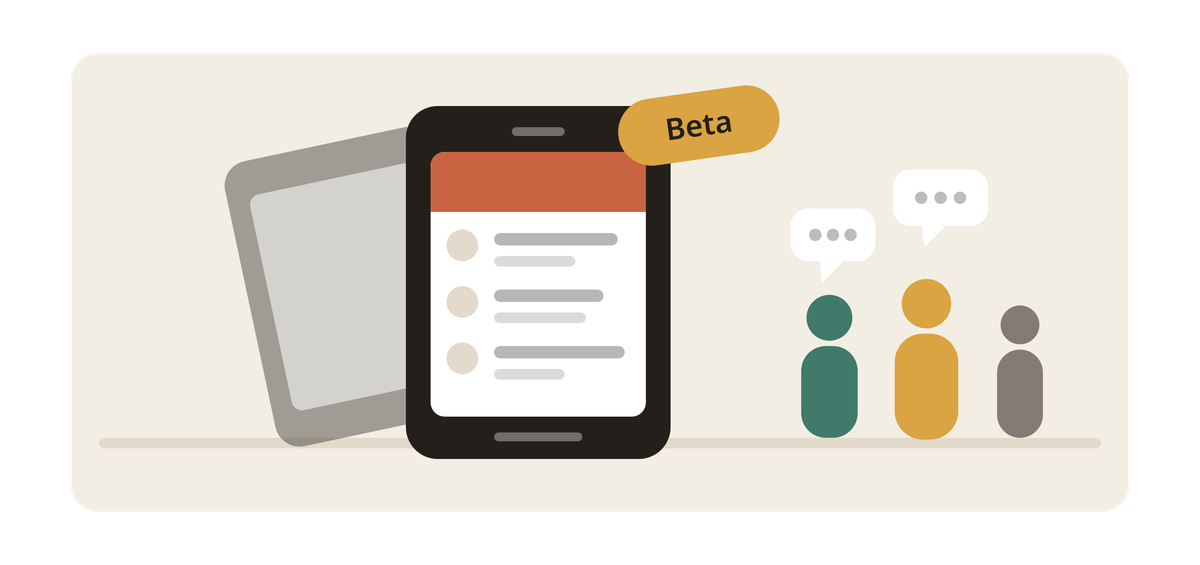
Gathrings has lived in a browser since day one. That works, but it's not where
most people keep the things they actually use. So we built the app, for both
iPhone and Android, and it's now open for anyone who wants to try it early.
We'd like that to be you.
Why we're asking
Testing is the part we can't do alone. We have a handful of phones between us.
You have the one that matters — an older model, a cracked screen, a spotty
connection on the bus, a language setting we didn't think about, a calendar full
of real events instead of ones we made up for testing.
Every bug we find ourselves is one we went looking for. The ones you find are
the ones we didn't know to look for. Those are worth more.
On iPhone or iPad
Testing on Apple goes through TestFlight, Apple's own app for trying apps before
they're released.
- Open this link on your
iPhone or iPad - Install TestFlight if you don't have it — the link will offer it
- Tap Accept, then Install
Gathrings shows up on your home screen like any other app. When we push an
update, TestFlight tells you.
On Android
- Open this link
on your Android phone - Sign in with the Google account you use on that phone
- Tap Become a tester, then install from Google Play
After that it updates by itself, the way your other apps do.
One thing worth knowing: you have to be signed in with the same Google account
your phone uses. If you tap the link on a computer while signed into a different
account, the install won't find its way to your phone.
What to expect
A beta. Things will be rough in places.
Some screens are slower than they should be. Notifications are still settling.
If you find a corner of the app that feels unfinished, you've probably found a
corner that is unfinished.
Nothing you do in the app is a test, though. It's the real Gathrings — your
actual events, your actual rings, the same account you already have. RSVP to
something, chat with an organizer, buy a ticket, check people in at the door.
It all counts.
And the website isn't going anywhere. If the app annoys you, close it and carry
on in your browser. No hard feelings.
Telling us what you find
Everything goes to one place: feedback.gathrings.com.
- Something's broken → Support.
Tell us what you were trying to do, what happened instead, and which phone
you're on. That last detail saves us more time than you'd think. - Something's missing → the Feature Requests
board. Post it, or find it already posted and vote — we read the vote counts. - Curious what's next → the roadmap
shows what's under review, planned, and being built right now. - Wondering what changed → the
changelog.
You don't need to write a report. "The photo upload spins forever on my Pixel"
is a perfectly good bug.
The most useful thing you can tell us
Not that something is broken — we'll find most of those eventually.
What we can't find on our own is the moment you gave up. The screen where you
weren't sure what to tap. The thing you expected to be somewhere and wasn't. The
step that made you put your phone down and go back to the group chat you were
already using.
If that happens, tell us. Especially then.
Thanks for trying it early.
Comments